
Understanding UI and UX Design
First of all, a good website depends on a clear design. This helps users reach what they need quickly and easily. Consequently, focusing on user experience is essential for success.
Key Elements:
- Easy navigation: Therefore, a clear page structure helps users move faster.
- Visible buttons: In addition, strong button placement improves user actions.
- Clean layout: Moreover, organized sections make content easier to read.
The Role of Colors in Design
Colors play an important role in attracting attention. Specifically, they make page elements easier to understand. Because of this, choosing the right palette is vital.
Important Points:
- Balanced colors: For instance, matching colors create a comfortable design.
- Highlighting actions: Similarly, different colors can draw attention to buttons.
- Reducing distraction: However, too many colors can confuse the user.
Mobile Friendly Design
Mobile browsing has become very common nowadays. Thus, pages should work well on all screen sizes to ensure a smooth experience.
Main Features:
- Flexible layout: As a result, elements should adjust to different screens.
- Readable text: Furthermore, larger text sizes improve mobile reading.
- Comfortable spacing: Also, space between buttons reduces clicking mistakes.

Page Loading Speed
Loading speed has a direct effect on user satisfaction. If a page is slow, engagement drops quickly. Therefore, performance optimization is a priority.
Speed Factors:
- Compressed images: For example, smaller images help pages load faster.
- Cleaner code: Additionally, removing extra code improves performance.
- Caching tools: Consequently, saved files reduce loading time on later visits.
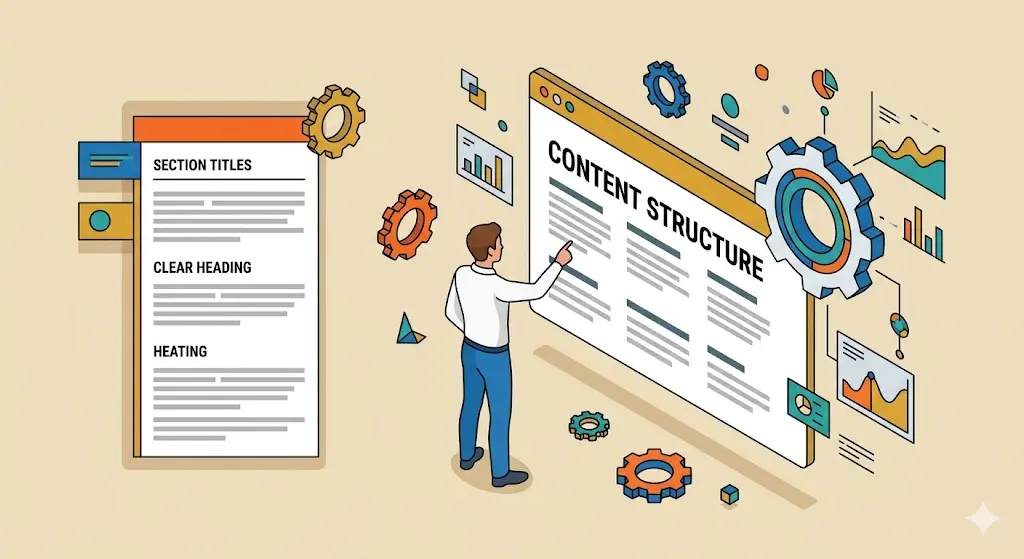
Content Organization
Well-organized content makes pages easier to read. Moreover, it improves the overall experience. By using clear structures, users find info faster.
Useful Methods:
- Clear headings: To illustrate, short titles help users scan content faster.
- Short paragraphs: Also, smaller text blocks improve readability.
- Good spacing: Finally, empty space between sections creates a cleaner design.
Improving Search Experience
A strong search feature helps users find information in less time. Because of this, it is a key tool for engagement and user comfort.
Search Benefits:
- Keyword suggestions: For instance, suggested words save time while typing.
- Better results order: In addition, important results should appear first.
- Fast response: Furthermore, quick search results improve satisfaction.
Using Images and Visual Elements
Images and icons make content more attractive. Likewise, they make complex ideas easier to understand. However, they must be used consistently.
Visual Features:
- Clear images: To start with, good visuals explain ideas faster.
- Helpful icons: Also, icons make functions easier to recognize.
- Consistent style: Finally, one visual style creates a professional look.
Writing Clear Content
Simple content helps users understand information quickly. Therefore, it keeps them interested for longer. Clear wording is always the best approach.
Writing Tips:
- Direct wording: For instance, clear language reduces confusion.
- Short text blocks: Additionally, smaller sections keep attention.
- Highlighted details: Most importantly, key information should stand out.
The Importance of Testing
Testing before launch helps find issues early. Consequently, it improves the final user experience and prevents errors.
Testing Steps:
- Button checks: To ensure quality, all actions should work correctly.
- Device testing: Similarly, pages must be tested on different screens.
- Performance review: Finally, results help identify areas to improve.
Better Accessibility for Users
Design should support different users. Specifically, it should make browsing easier for everyone. Inclusion is a vital part of modern web design.
Accessibility Points:
- Strong contrast: For example, clear text colors improve reading.
- Image descriptions: Moreover, alt text helps explain visuals.
- Keyboard support: Also, some users depend on keyboard navigation.

Tracking Performance After Launch
Work does not end after publishing. In fact, performance should be reviewed regularly. This helps you understand how people use your site.
Tracking Areas:
- Visitor analysis: For instance, popular pages show user preferences.
- Time on page: Similarly, longer visits often mean better engagement.
- User interaction: Finally, user behavior helps improve the experience.