
What Is React Native and How Does It Work?
React Native lets developers build mobile apps. Thus, it uses JavaScript and React. It shares much code across platforms. Furthermore, it gives access to native device features. Consequently, it fits multi-platform apps.
- Shared Codebase: First, it helps build similar functions. Moreover, it avoids duplicating development work.
- Reusable Components: Specifically, interfaces use organized elements. Therefore, you can modify and reuse them.
- Native Device Access: In addition, it supports cameras, notifications, and storage.
- Statistic: According to a survey, downloads doubled year over year.
What Should You Prepare Before Development?
The process begins by defining the app idea. Next, you pick the data structure and interfaces. Therefore, early planning helps reduce changes during testing.
- App Functions: First, identify user operations. For example, include registration, searching, and purchasing.
- Data Structure: Next, define required data. Furthermore, plan how backend services store it.
- Platform Requirements: Finally, list Android and iOS differences. Thus, you handle them properly.

How Should the App Interface Be Built?
React Native uses organized components for elements. Consequently, the user journey remains clear across registration, product selection, and payment screens.
- Responsive Design: First, screens must adapt to device sizes. Meanwhile, content stays readable.
- Clear Navigation: Moreover, organized buttons help users reach functions quickly.
- Useful Messages: Finally, show success and error states clearly.
How Does React Native Connect to Backend Services?
An app needs backend services for accounts and orders. Therefore, React Native communicates via APIs. Consequently, information transfers in an organized way.
- Create APIs: First, endpoints provide required data operations.
- Manage Sessions: Next, protect user accounts using authentication.
- Handle Errors: Finally, manage connection problems without disrupting users.

What Payment Options Can an App Support?
The appropriate payment method depends on the market. Apps support cards and digital wallets through custom solutions.
- Bank Cards: First, users enter card details safely.
- Digital Wallets: Furthermore, Apple Pay provides faster checkout.
- Local Payment Methods: Additionally, some markets require local gateways.
- Statistic: Statista reports digital wallet transactions will grow rapidly.
How Is a Payment Gateway Integrated With React Native?
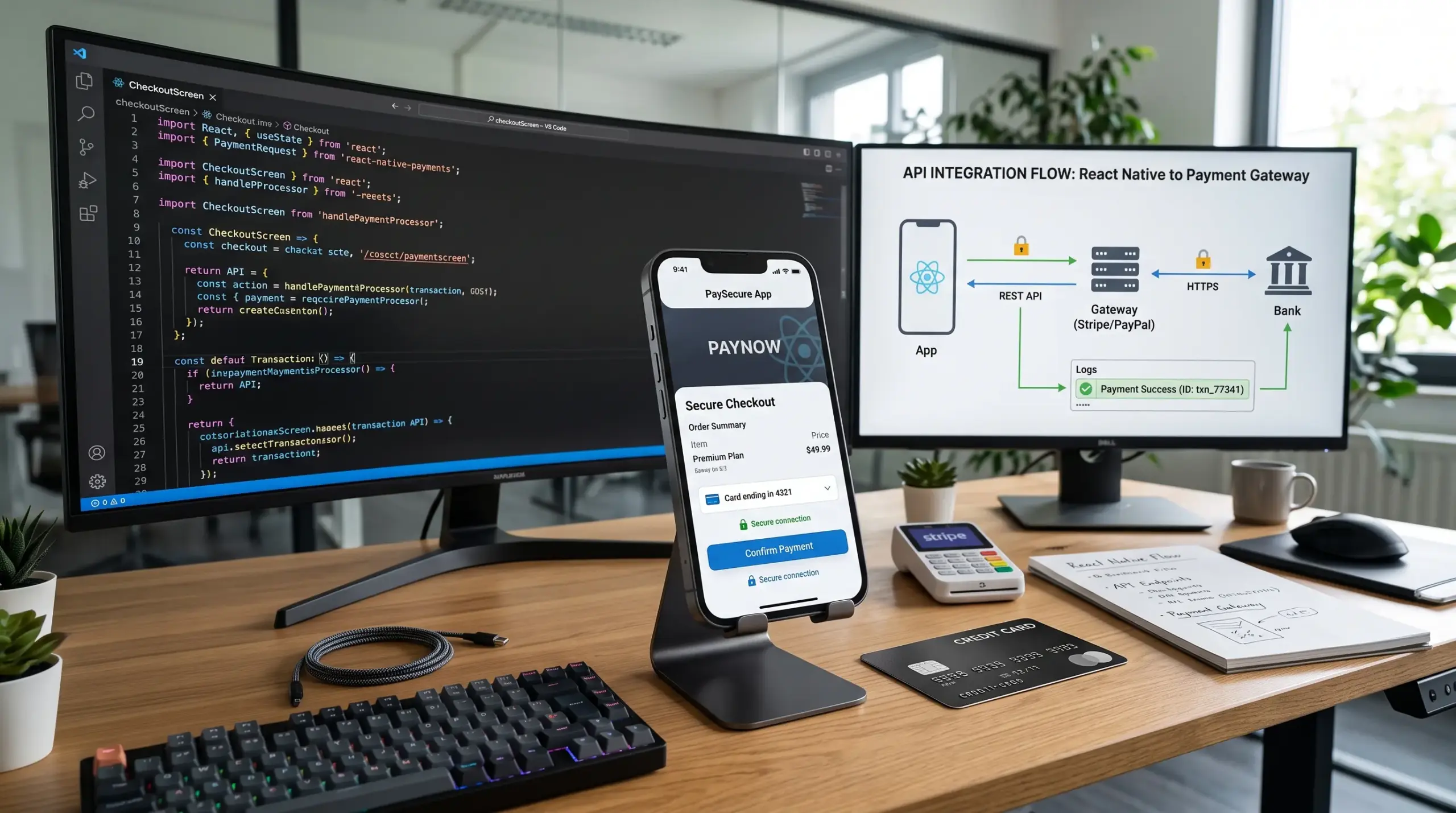
Integration starts by selecting a provider. Next, you add its React Native package. For instance, Stripe provides useful tools for payment collection.
- Configure the Provider: First, add the payment library and settings.
- Create the Payment: Then, the backend creates payment details.
- Confirm the Result: Finally, verify the transaction status.
How Can Payment and User Data Be Protected?
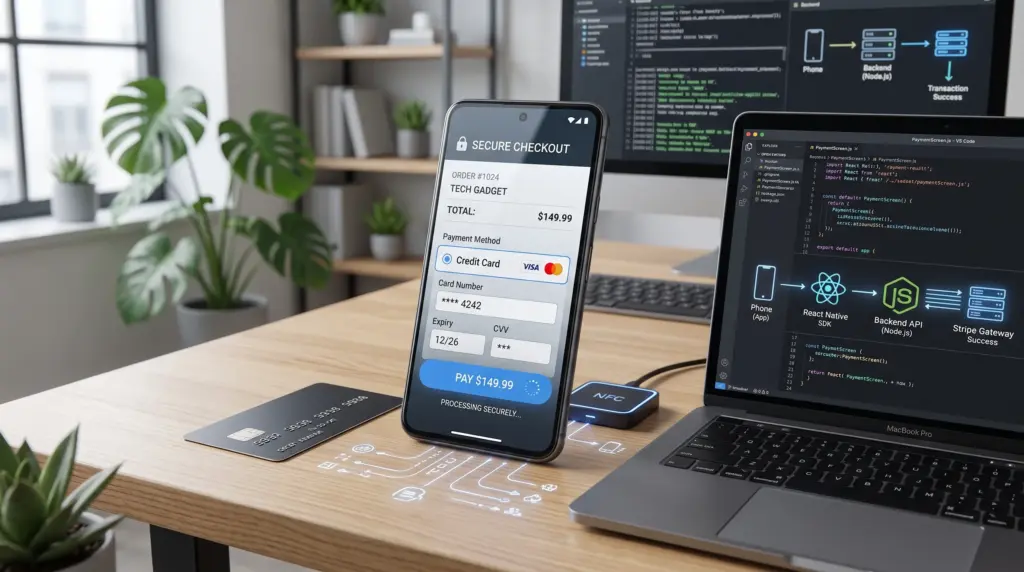
Payments require strong protection because apps handle financial data. Therefore, you must use secure connections and trusted services.
- Encrypt Connections: First, use HTTPS to protect data transit.
- Protect Secret Keys: Moreover, never place private keys in client code.
- Verify Transactions: Finally, validate payments on the backend.
What Is the Difference Between In-App and External Payments?
App store policies vary depending on the product and platform. For example, Google Play requires its billing system for digital purchases.
- Digital Content: First, digital features require store billing systems.
- Physical Goods: In contrast, physical products follow different methods.
- External Services: Therefore, review current policies before implementation.

How Should Payment Processes Be Tested?
You must test the complete payment journey before launch. Consequently, test environments help identify problems safely.
- Successful Payment: First, verify the transaction updates correctly.
- Failed Payment: Next, test declined cards and error messages.
- Duplicate Requests: Finally, ensure retries do not create duplicate orders.
How Should the App Be Launched and Monitored?
After testing, prepare your app for store submission. Furthermore, continuous monitoring is crucial after launch.
- Review Store Requirements: First, ensure compliance with payment rules.
- Monitor Transactions: Moreover, track failed and successful payments early.
- Improve the Experience: Finally, use error data to enhance app performance.