

Cross-Departmental Single Platform Integration
Odoo effectively connects all business activities within one software environment. Consequently, organizations benefit greatly from its unified architecture.
- Central Database: Furthermore, there is no need to re-enter data across multiple disparate systems.
- Full Coordination: In addition, users can update records immediately as soon as transactions happen.
Automation Engine and Trigger Rules
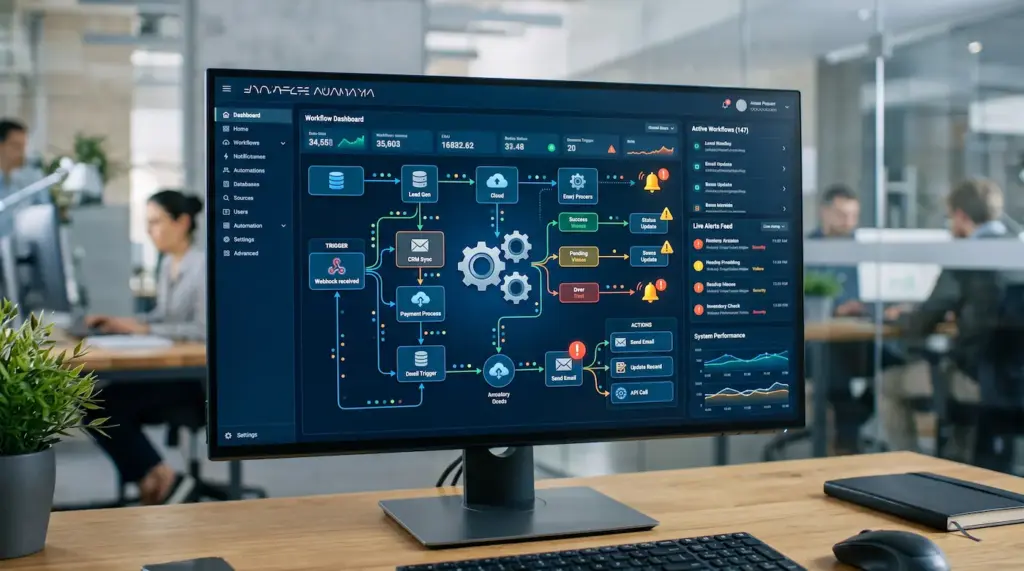
Odoo automation rules execute repetitive administrative tasks automatically. Therefore, teams can focus entirely on high-value operations.
- Event Triggers: Specifically, systems activate actions once predefined conditions are met.
- Automated Alerts: Moreover, the platform sends instant email alerts upon sales confirmation.
- Field Updates: As a result, deals change status or account balances update automatically.
API Integration and External Extensions
Odoo easily integrates with external third-party software using flexible APIs. Thus, companies maintain a connected digital ecosystem.
- Website Sync: For instance, users can link internal systems with external e-commerce stores.
- Data Exchange: Additionally, platforms transfer critical information securely and smoothly.
Dashboards and Interactive Reporting
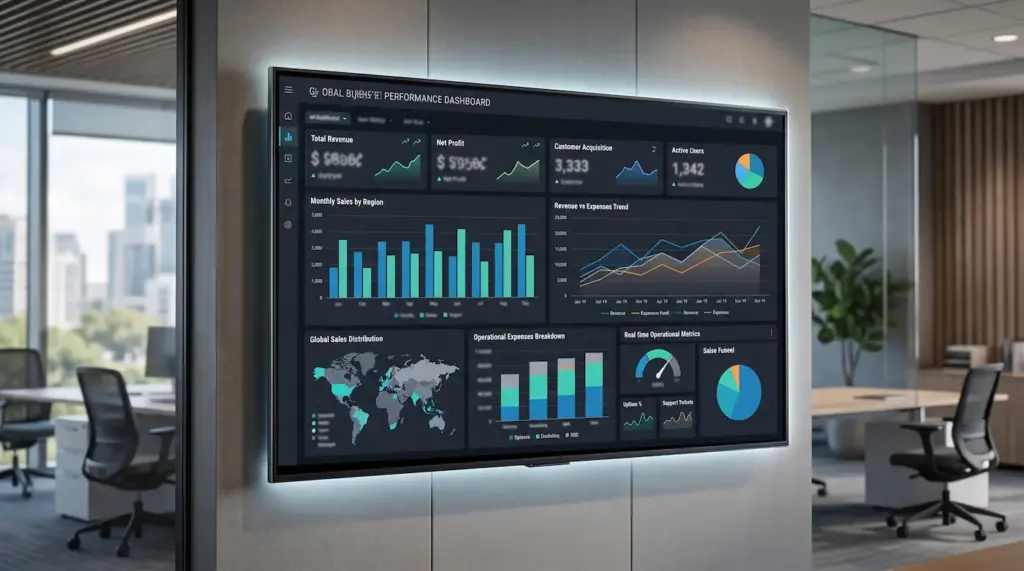
Odoo provides analytical views showing department metrics in real-time. In fact, Gartner confirms that data-integrated organizations increase efficiency by 30%.
- Live Metrics: Specifically, teams can track sales and expenses on a single screen.
- Visual Charts: Furthermore, users can view complex financial and operational data visually.
Screen Customization and Custom Fields
Odoo tools alter views and add new fields to fit business needs. Consequently, applications adapt perfectly to company workflows.
- Custom Fields: For example, administrators can add new data fields onto screens easily.
- Layout Adjustments: Moreover, staff can organize options based on their daily workflow.
Access Control and Advanced System Security
Odoo ensures high data protection by setting user roles and access rights. Therefore, sensitive company information remains secure.
- Group Rights: Specifically, managers can assign custom permissions to operational departments.
- Activity Logs: Additionally, supervisors can monitor user actions to establish strict accountability.

Automated Document Workflow Across Departments
The Odoo ecosystem ensures deals flow from sales to stock automatically. Thus, manual handoffs are minimized.
- Sales Order: For instance, users can create a sales draft and push it to inventory.
- Delivery & Invoice: Furthermore, the system generates delivery orders and invoices automatically.
Real-Time System Alerts and Notifications
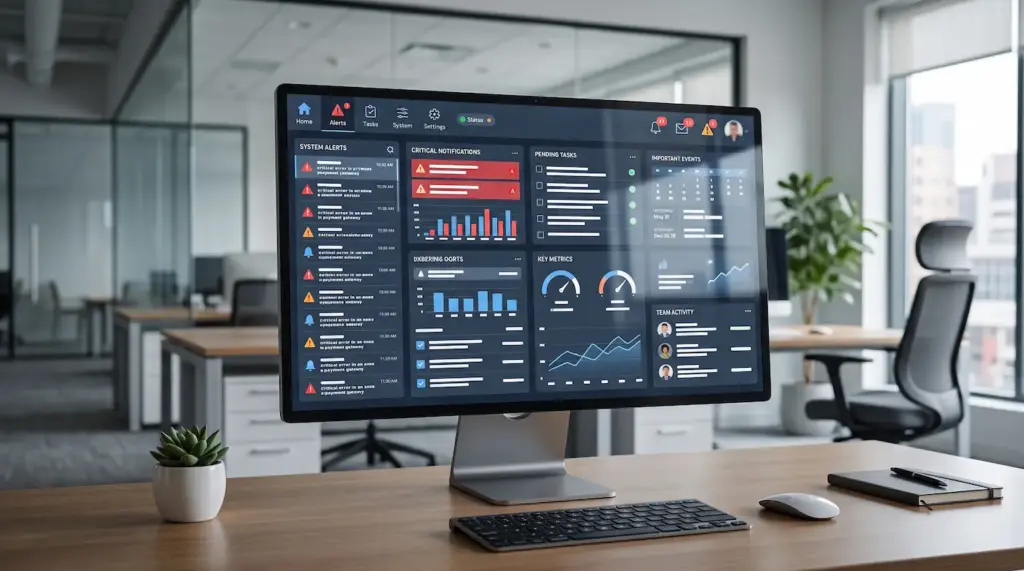
Odoo smart alerts keep internal teams informed continuously. Consequently, urgent tasks are never missed.
- System Alerts: Specifically, users receive on-screen popups for pending tasks.
- Email Alerts: Moreover, automated email notifications highlight critical business events.
Mobile and Tablet Accessibility
Odoo apps enable managing company operations on the go from anywhere. Therefore, business continuity is guaranteed.
- Responsive Layout: For example, the interface adapts smoothly to smart device screens.
- On-the-field Work: Additionally, employees can enter data and track operations while mobile.
Data Backup and Disaster Recovery
Odoo tools guarantee scheduled backups to prevent data loss. Thus, company databases remain safe.
- Routine Backups: Specifically, administrators can schedule automatic system backups.
- Quick Recovery: Furthermore, teams can restore systems and data easily in emergencies.