1. What is PHP?
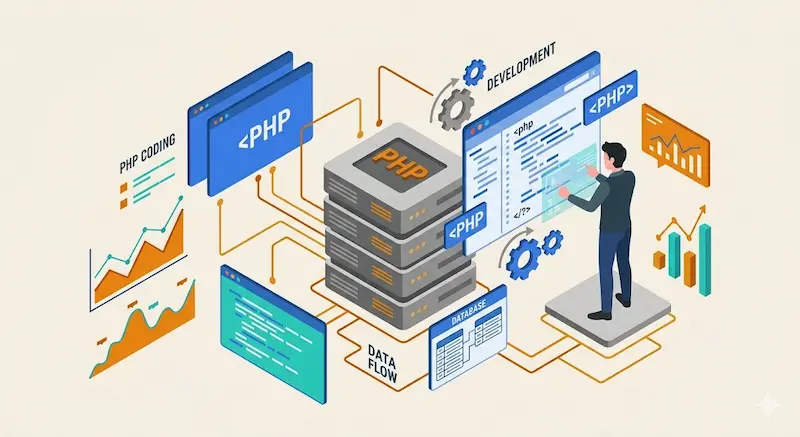
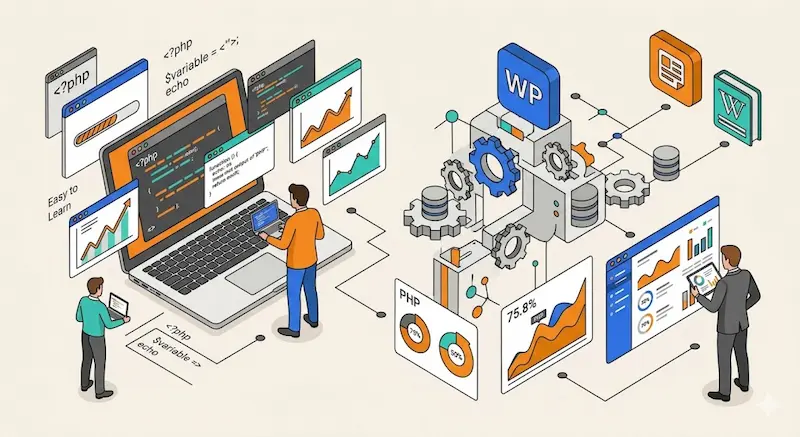
PHP is a famous server-side language. It helps developers build dynamic websites and process data quickly. Because it is simple and clear, it is a perfect starting point for beginners. Furthermore, it runs on the server before sending the final page to your browser. This transition reflects several core concepts:
- Language Definition: It processes requests on the server first.
- Popularity Reason: Developers love it because it integrates easily with other tools.
- Common Use Cases: For example, it handles forms and secure login systems.
2. Why Learn PHP?
Many beginners choose PHP to start their backend journey. It allows you to see real results from your code almost instantly. In fact, according to W3Techs, PHP is used by 75.8% of all websites with a known server-side language. Consequently, learning it offers great value for your career. Key advantages include:
- Easy to Learn: The syntax is friendly for new students.
- Quick Results: You can view your output right after writing the code.
- Practical Value: It powers massive platforms like WordPress and Wikipedia.
3. Basic Code Structure
You must write PHP code inside specific tags to make it work. A clean structure helps you find errors easily. Moreover, organized code is better for long-term maintenance. Therefore, following these fundamentals is essential for every developer:
- Special Tags: All PHP logic is wrapped in dedicated opening and closing tags.
- Sequential Logic: The server executes your instructions one by one.
- Clean Structure: This practice makes debugging much faster and simpler.
4. Variables and Data Types
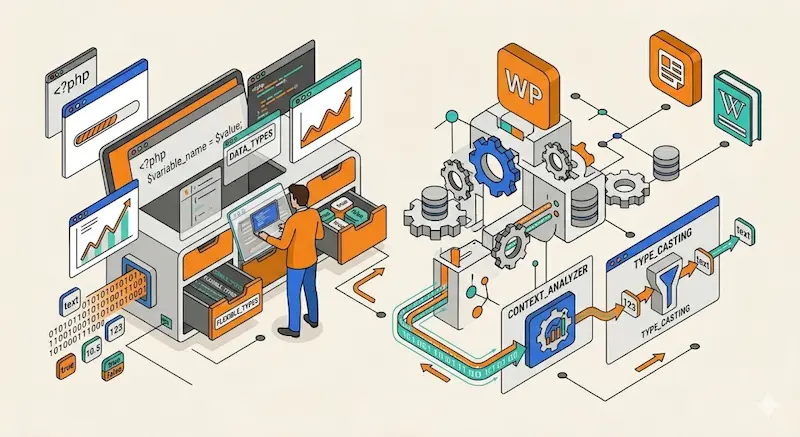
Variables act as containers for storing information. PHP supports many types of data to make your apps flexible. Additionally, it handles these types automatically in most cases. Consider these basic ways to manage your data:
- Variables: They store temporary values while the script is running.
- Data Types: These include simple text strings, whole numbers, and true/false values.
- Type Handling: PHP changes how it treats data based on the context.
5. Conditional Statements
Conditions allow your code to make smart decisions. This logic makes your web pages responsive to user actions. Interestingly, JetBrains reports that conditional logic is the most frequently used feature by backend developers to control app flow. Therefore, mastering these logic gates is vital:
- if Statement: This runs a specific block of code only when a condition is true.
- else Statement: It offers an alternative path if the first condition fails.
- elseif Statement: This helps you check multiple different conditions efficiently.
6. Loops in PHP
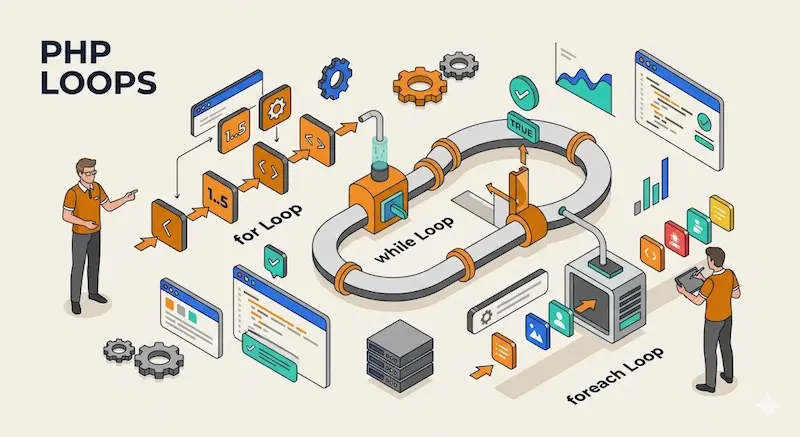
Loops repeat a specific task many times without extra work. They save time and make your code much more efficient. Instead of writing the same line twice, you use a loop. For instance, you can use these common iteration techniques:
- for Loop: Use this when you already know exactly how many times to repeat.
- while Loop: This runs continuously as long as a condition stays true.
- foreach Loop: It is the best choice for moving through lists or arrays.
7. Arrays and Data Organization
Arrays store multiple values inside a single variable name. This makes managing large amounts of data much easier. Furthermore, it keeps your project structure very organized. There are several ways to structure your data:
- Indexed Arrays: These keep your items in a simple, numbered order.
- Associative Arrays: They use specific names or keys to label each piece of data.
- Better Structure: Using arrays helps you handle complex data sets without confusion.
8. Functions and Reusability
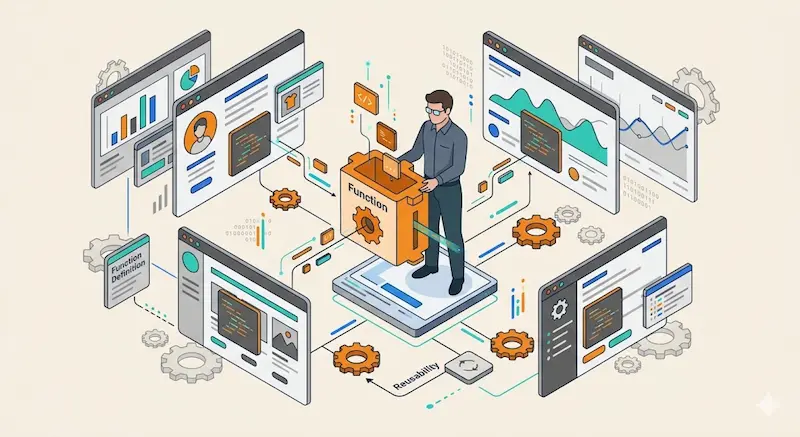
Functions group your code into small, reusable pieces. This practice reduces repetition and makes your work cleaner. In addition, you can use the same logic in many different places. Following these principles will improve your code:
- Function Definition: This is a block of code you can call whenever you need it.
- Reusability: You only write the logic once, then use it everywhere.
- Code Organization: It makes your software easier to read and maintain for others.
9. Working with Forms
Forms are the main bridge between users and your website. PHP processes this input securely and quickly. However, data from BuiltWith shows that PHP is the backend for over 40% of the world’s contact forms. Consequently, handling user input is a core skill. You should focus on these steps:
- Data Handling: It collects what users type into text boxes or menus.
- Validation: This ensures the information is correct before saving it.
- User Interaction: It enables real communication between the visitor and the server.
10. Database Integration
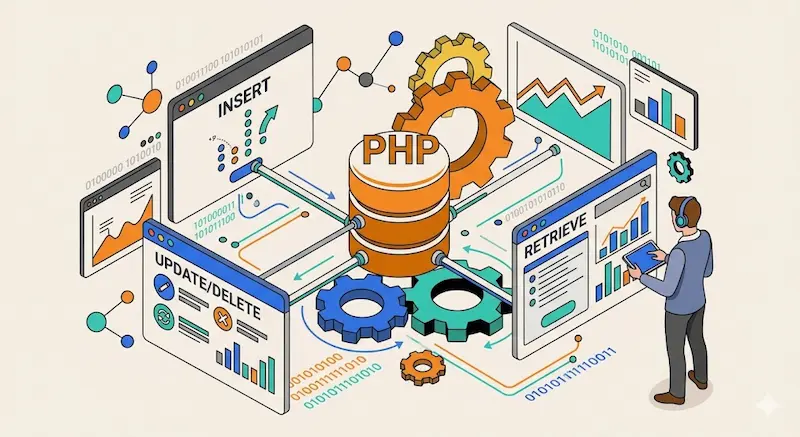
PHP works perfectly with databases to store your site’s data. This allows you to build powerful, data-driven systems. In fact, Stack Overflow’s Developer Survey confirms PHP remains a top choice for relational database management. Therefore, it is ideal for modern applications. Consider these operations:
- Insert and Retrieve: You can add new info or fetch old records easily.
- Update and Delete: Managing existing records is simple with PHP tools.
- Dynamic Apps: It helps you create sites that change based on stored data.
11. Tips for Learning PHP
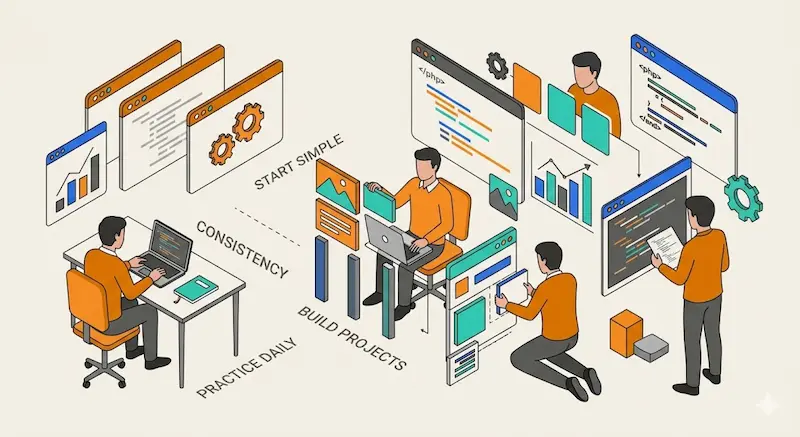
Consistency is the secret to mastering PHP effectively. You should try to code every day to keep your skills sharp. Additionally, building small projects will help you understand concepts better. Consequently, follow these simple strategies for success:
- Start Simple: Focus on the basic rules before trying advanced techniques.
- Practice Daily: Regular habits lead to much faster progress.
- Build Projects: Apply your knowledge to real tasks to see how things work.