

What Is Flutter and How Do You Start?
First, Flutter is a suitable framework for beginners. It helps you build apps for multiple platforms from a single codebase. Furthermore, it uses Dart and provides simple tools to create interactive and responsive apps.
- Learn Dart Basics: Start with basic variables, functions, and classes before moving into Flutter.
- Understand Widgets: Learn how widgets work to build screens and reusable interface elements.
- Build Small Projects: Create simple apps to practice core concepts and build practical skills.
Setting Up a Flutter Development Environment
To begin with, setting up Flutter requires the SDK, a code editor, and a testing device. Therefore, a proper setup makes development and troubleshooting much easier for developers.
- Flutter SDK: It provides core tools required to create, run, and test apps.
- Code Editor: Choose an editor with Dart support for easier coding and debugging.
- Emulator or Device: Test app behavior on different screen sizes and environments.

Building a Flutter Application Interface
The interface directly affects user interaction. Consequently, Flutter allows developers to create structured screens by combining reusable widgets into flexible layouts.
- Screen Organization: Divide the app into clear screens to simplify navigation.
- Reusable Components: Create widgets to reduce repeated code and ease maintenance.
- Responsive Layouts: Design interfaces that adapt properly to various screen sizes.
Understanding User Permissions
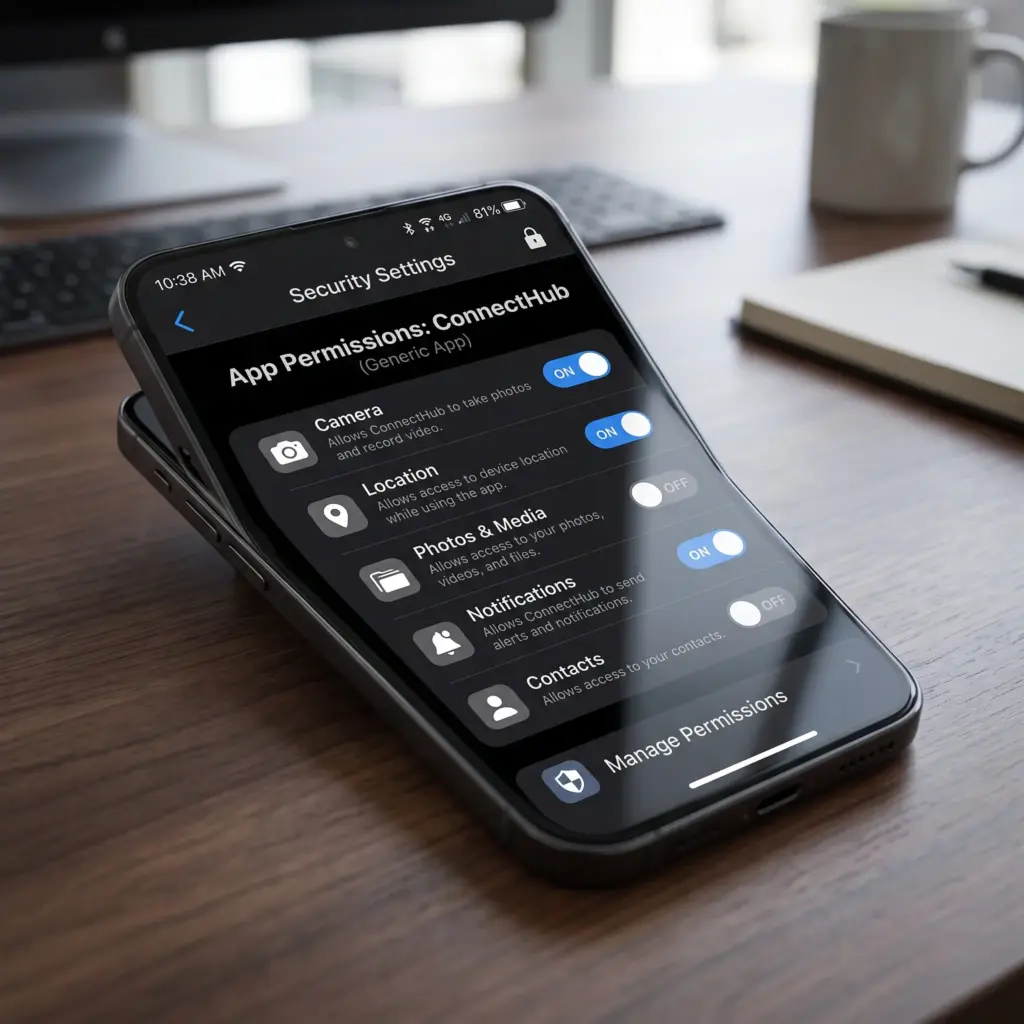
Permissions let apps access sensitive features like the camera or location. In fact, each permission needs a clear purpose and should only be requested when truly needed. Moreover, according to a Statista report, 75% of mobile applications request access to user data, which strongly highlights the critical importance of responsible permission management.
- Camera Permission: Allows the app to capture photos or videos when required.
- Location Permission: Provides location access when app features depend on position.
- File Permission: Enables file access when users need to upload or manage files.
When Should an App Request Permission?
Requesting all permissions at launch causes confusion and hurts user trust. Instead, a better approach is asking for permissions in context when users reach related features.
- Request When Needed: Ask for access only when the user reaches a specific feature.
- Explain Purpose: Provide a short explanation describing why the app needs access.
- Handle Rejection: Offer alternative options if the permission is optional.
Managing Permissions in Flutter
Permission logic should be separated from interface components. As a result, this keeps code clean and manageable. Additionally, supporting this professional environment, JetBrains reported that its developer ecosystem survey included 23,262 developers from 171 countries, demonstrating the broad scope of its research.
- Identify Required Permissions: Determine which permissions are truly necessary.
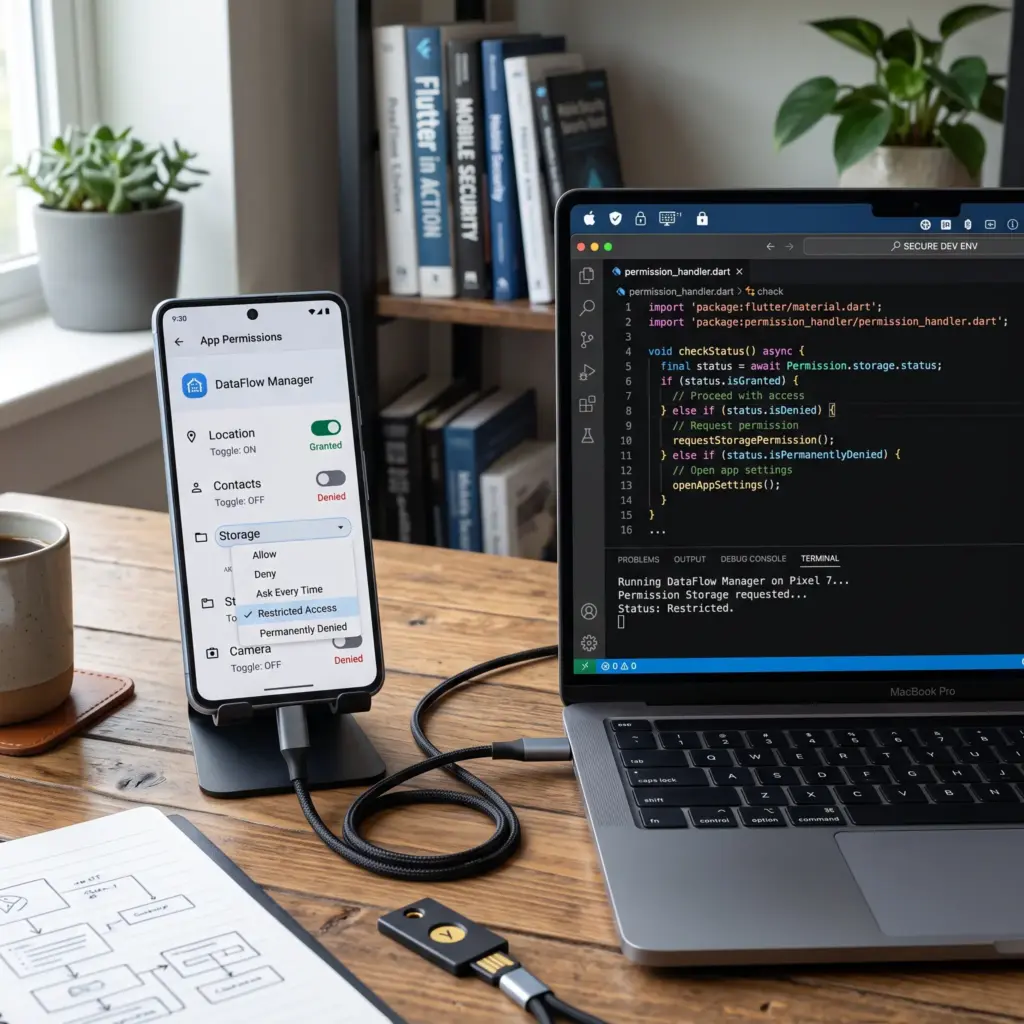
- Check Status: Verify if the permission was already granted or denied.
- Handle States: Create suitable responses for granted and denied scenarios.
Handling Permission Denials
A denied permission does not mean the entire app should stop. Therefore, optional features should provide alternatives, while essential permissions need clear instructions.
- Provide Alternatives: Let users continue using features that do not need the permission.
- Show Clear Messages: Explain denial effects simply without technical terms.
- Guide to Settings: Provide clear instructions to change settings if access is essential.
Protecting User Data in Flutter Apps
Permission management is only part of app security. Furthermore, data collection and storage must be carefully controlled. Reflecting industry standards, Stack Overflow’s Developer Survey reported that 76% of respondents were professional developers, offering valuable insight into the community.
- Minimize Data Collection: Collect only required information for app functionality.
- Secure Local Storage: Protect sensitive data stored locally on the device.
- Protect Data Transfers: Secure info moving between the app and online services.

Testing Permissions Before Release
Permission testing should cover more than successful access. Specifically, developers must test denials, repeated requests, and settings changes. Highlighting the drive for improvement, Stack Overflow’s survey found that 69% of respondents learned new coding skills during the previous year.
- Permission Granted: Verify features work correctly after approval.
- Permission Denied: Confirm the app remains stable and offers alternatives.
- Settings Changes: Test app behavior after users change device permissions.
Improving a Flutter App After Launch
Development does not end after release. In fact, performance and user feedback must be reviewed regularly. Furthermore, pointing to the ongoing need for guidance, Stack Overflow’s survey indicates that documentation remains an essential learning resource for developers.
- Monitor Performance: Track response times to identify issues early.
- Review Permissions: Ensure requested permissions connect to necessary features.
- Improve User Experience: Use feedback to refine interfaces and functionality.