
Preparing the App for Publication
First, completing development does not mean the app is ready. Second, the final preparation stage includes testing core features. Furthermore, it involves checking performance, reviewing compatibility, and ensuring that the final build works reliably across targeted devices and operating systems.
Key Pre-Publication Steps
- Test Core Features: Check login, navigation, payments, notifications, and forms under different usage conditions.
- Review Performance: Make sure the app launches quickly, uses resources efficiently, and avoids crashes or unexpected behavior.
- Prepare the Final Build: Use a stable release version with clear versioning and ensure proper configuration of signing and build settings.
Setting Up the Developer Account
Publishing requires a properly configured developer account on your chosen platform. Therefore, account information must be accurate. In addition, access permissions should be managed carefully to prevent problems during future updates.
Important Account Requirements
- Account Information: Provide accurate details that match the identity requirements for the selected platform.
- Access Permissions: Give each team member only the permissions needed to manage releases or monitor the application.
- Financial Details: If the app includes paid services, review payment and tax settings before publication.

Preparing for Google Play Publication
Publishing an Android app involves more than uploading a package. The store requires specific information and policy compliance. Furthermore, for personal accounts, Google requires a closed test with at least 12 testers for 14 days before production access. Also, Android represented approximately 67.61% of the worldwide mobile operating system market in August 2026.
Main Google Play Preparation Steps
- Complete Closed Testing: Invite testers, monitor the testing period, and fix important issues before requesting production.
- Complete Store Information: Prepare the app name, description, icon, screenshots, category, and privacy details.
- Request Production Access: Submit the request to publish the app through the production track after testing requirements are met.
Preparing for App Store Publication
App Store publication requires preparation through App Store Connect. The process includes selecting the correct build and completing metadata. Apple states that 90% of submitted applications are reviewed in less than 24 hours on average.
Essential Submission Steps
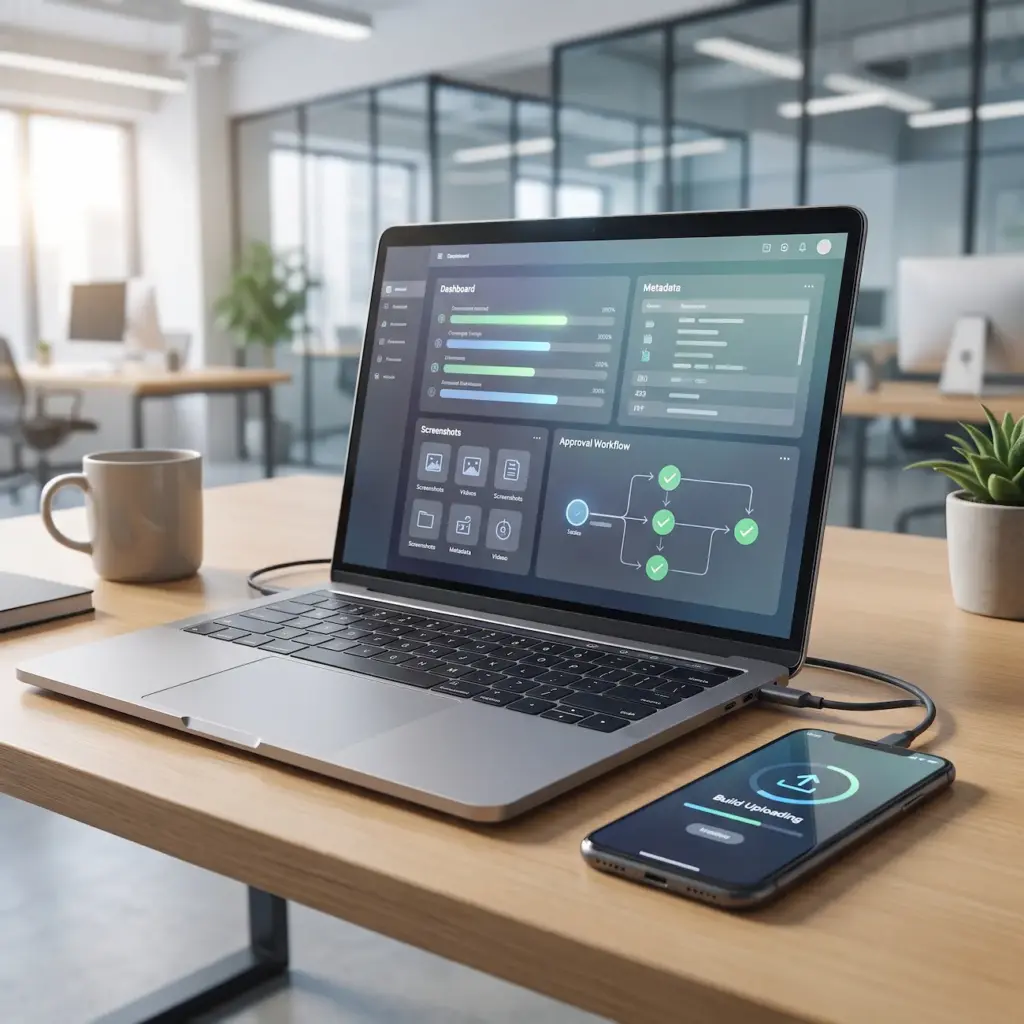
- Add the App Build: Upload and select the appropriate version of the application for release.
- Complete Store Details: Add descriptions, screenshots, and required metadata.
- Submit for Review: Review all information carefully before sending the app to the review process.
Writing an Effective App Name and Description
The app name and description help users understand the product before installation. Furthermore, they influence discoverability. Therefore, clear wording and relevant search terms should be combined without keyword stuffing.
Elements of an Optimized Store Listing
- Clear App Name: Choose a memorable name that reflects the app purpose without misleading terms.
- Useful Description: Explain the problem the app addresses and its main features.
- Relevant Keywords: Include terms naturally so users can discover the app through searches.
Creating Effective Screenshots and Visual Content
Visual assets provide users with a quick understanding of the interface. Well-designed screenshots highlight valuable features first. Additionally, App Store Connect allows up to 10 screenshots per device configuration.
Important Visual Assets
- App Screenshots: Use real screens to demonstrate primary functions.
- Visual Sequence: Place the strongest benefits early to communicate value quickly.
- Preview Content: Use preview videos to show how the application works.

Reviewing Privacy and Permissions
Privacy requirements must be reviewed before submission. This is especially important when collecting location, images, or contacts. Furthermore, store information must accurately reflect data handling.
Privacy Areas to Review
- Privacy Policy: Provide clear information explaining what data is collected and used.
- Permissions: Request only necessary permissions for actual features.
- Third-Party Components: Review analytics and SDKs to ensure proper data practices.
Testing Before Submission
Real-world testing reveals hidden issues across different screen sizes and network conditions. According to AppsFlyer benchmarks, average app retention is around 25% on Day 1 and 6% on Day 30. Therefore, a strong initial user experience is crucial.
Essential Testing Scenarios
- Usability Testing: Perform tasks as a new user to identify confusing steps.
- Device Testing: Test various screen sizes to verify consistent layout.
- Unexpected Conditions: Test poor connectivity and interrupted sessions.

Avoiding Common App Rejection Reasons
Apps can be rejected due to technical problems or policy violations. Consequently, reviewing all requirements beforehand reduces avoidable delays significantly.
Common Issues to Check
- Inaccurate Information: Make sure descriptions match the actual application.
- Privacy Problems: Verify that data collection practices align with real behavior.
- Technical Errors: Resolve crashes and login issues before submission.
- Review Information: Provide necessary test credentials if special login steps are required.
Managing the App After Publication
Publication is not the final stage. After launch, monitoring performance and user reviews is critical. Moreover, Apple reported that the App Store ecosystem facilitated $1.3 trillion in billings during 2024.
Post-Launch Management Tasks
- Monitor Reviews: Track user feedback and identify recurring requests.
- Analyze Performance: Review crashes, loading speed, and engagement metrics.
- Release Updates: Fix bugs and introduce enhancements through regular updates.
Conclusion
Publishing a mobile app requires much more than just uploading a build. A successful release depends on careful testing, account configuration, and compliance. Consequently, preparing each stage carefully reduces delays.