
Define the App Idea Clearly
First, successful iPhone app development starts when you understand the core problem. Therefore, you must identify the exact audience it serves. Consequently, a clear purpose helps you create focused features and ensures a much stronger user experience from the beginning.
- Identify User Needs: Understanding real user problems helps create useful features that provide practical value.
- Define Core Value: Users should quickly understand what the app offers and why it is worth using.
- Analyze Available Alternatives: Reviewing existing solutions reveals opportunities to improve functionality and user experience.
Choose Suitable Development Technologies
Selecting the right technology directly affects your speed, performance, and scalability. Furthermore, your choice should always depend on specific requirements rather than simply following popular trends.
- Support Target Platforms: Make sure the chosen technology works reliably with targeted iPhone devices and system versions.
- Focus on Performance: Mature technologies can help deliver responsive applications with fewer technical limitations.
- Plan for Future Updates: Flexible development tools make adding new features and improvements easier over time.

Create a Simple User Experience
A clear user experience strongly influences how people perceive and continue using an application. Thus, your navigation must remain logical, and essential actions should require as few steps as possible.
- Simplify Navigation: Organizing screens and controls clearly helps users reach important features faster.
- Keep Interfaces Clear: Simple labels and logical visual hierarchy make the application easier to understand.
- Test User Journeys: Testing common navigation paths helps identify confusing interactions before launch.
Improve iPhone App Performance
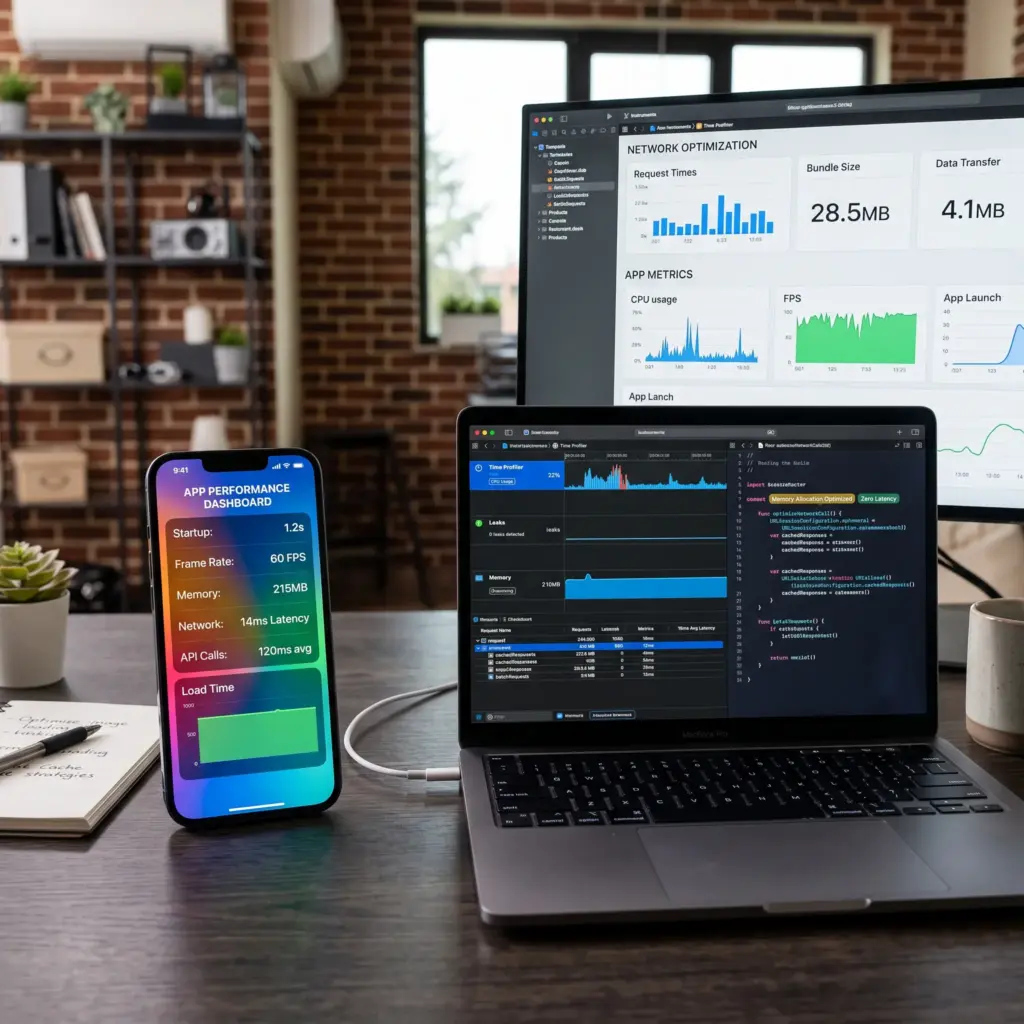
Fast performance is essential for maintaining user satisfaction. Therefore, you must optimize loading screens, data retrieval, and operations that depend on network connectivity.
- Reduce Loading Time: Optimizing images, data, and background processes can help content appear more quickly.
- Manage Memory Efficiently: Reducing unnecessary operations helps prevent slowdowns and stability issues.
- Optimize Network Requests: Efficient communication with external services can improve responsiveness under different conditions.
Strengthen Security and Privacy
User information and sensitive data require strict protection from early stages. Consequently, applying proper security practices will reduce unauthorized access and data exposure.
- Encrypt Sensitive Data: Protecting important information during storage and transmission reduces security risks.
- Control Permissions: Requesting only necessary permissions gives users clearer control over their information.
- Secure User Authentication: Strong authentication mechanisms help protect accounts from unauthorized access.
Test the App Before Launch
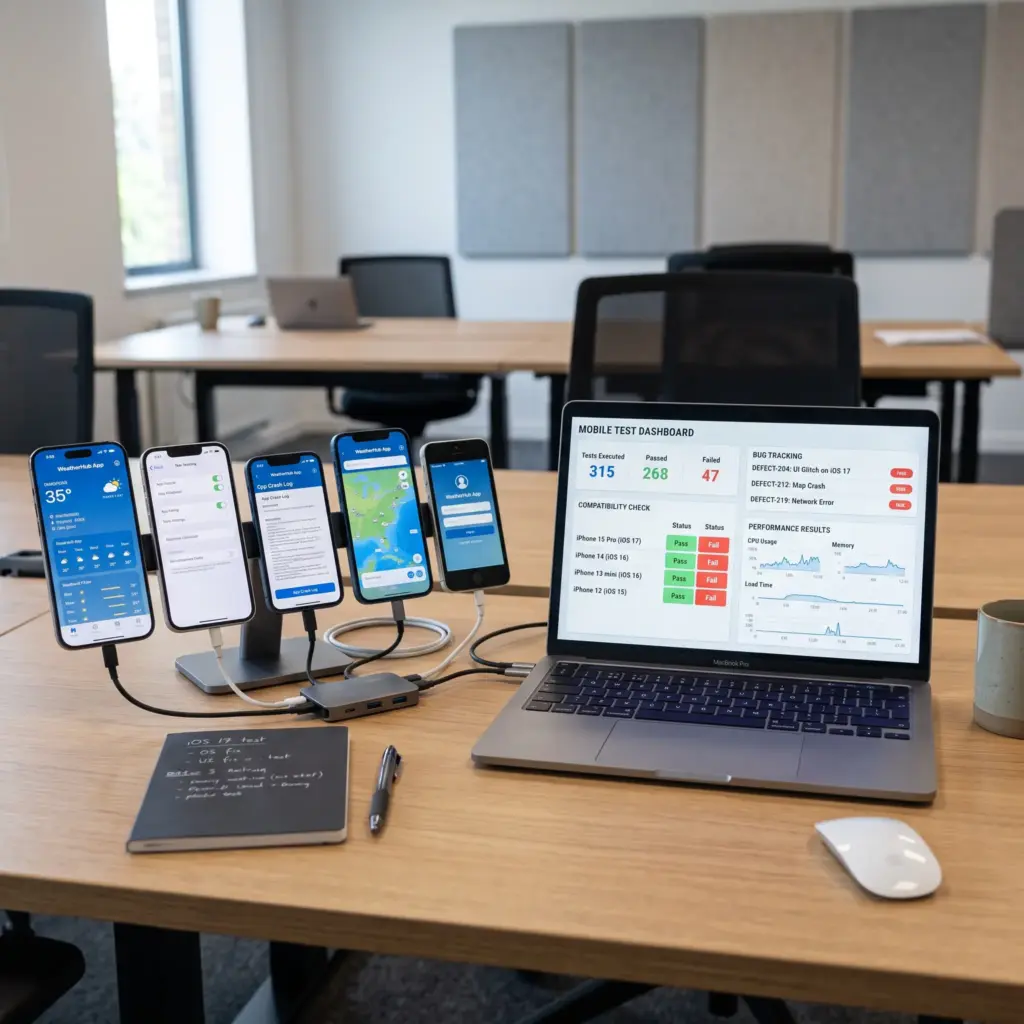
Completing development does not mean your app is ready. Therefore, you must test across different devices to identify compatibility, performance, and usability issues.
- Test Core Functions: Verify that registration, navigation, search, and major application features work correctly.
- Test Device Compatibility: Testing different screen sizes and system versions helps reveal display and performance problems.
- Test Real Usage Scenarios: Simulating realistic user behavior can uncover problems that standard testing may overlook.
Measure User Retention
Downloads alone cannot prove success. Instead, retention shows how effectively your app encourages users to return over time. AppsFlyer reports average retention of around 25% on Day 1 and 6% on Day 30, highlighting how active usage declines.
- Day One Retention: Shows whether the initial experience gives users enough reason to return shortly after installation.
- Day Seven Retention: Helps measure whether the application can encourage repeated usage during the first week.
- Day Thirty Retention: Provides a stronger indication of whether the app continues delivering value over a longer period.
Track In-App Engagement
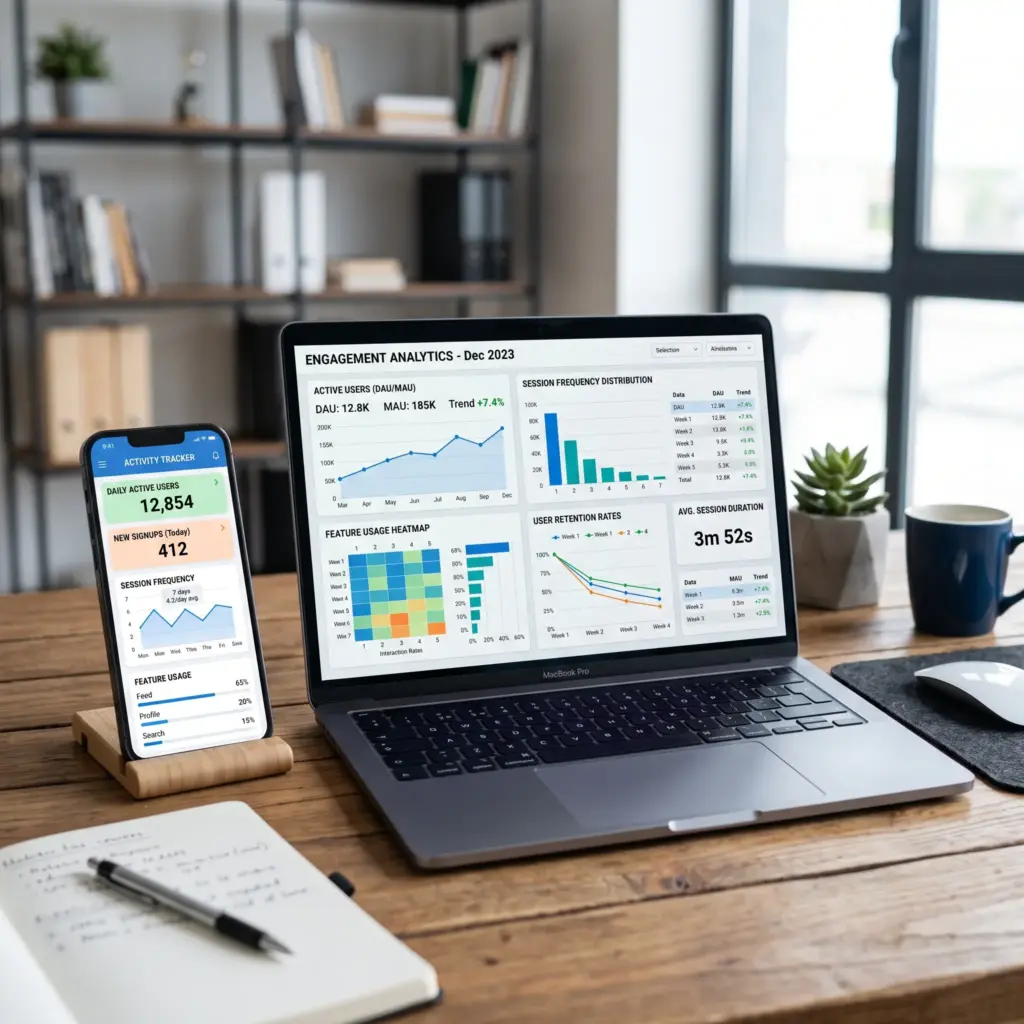
Engagement metrics reveal how people actually use your application. Furthermore, they help identify valuable features and points where users may stop interacting.
- Active Users: Monitoring daily and monthly active users provides a clearer view of actual application usage.
- Session Frequency: Repeated sessions can indicate that users regularly depend on specific application features.
- Feature Usage: Identifying popular features helps guide future improvements based on real user behavior.
Analyze Revenue and Conversions
For monetized applications, you must monitor financial metrics alongside engagement. High download numbers alone do not guarantee strong financial results.
- Conversion Rate: Measures the percentage of users who complete a desired action after interacting with the application.
- Average Revenue: Helps determine the financial value generated by users during a specific period.
- Recurring Revenue: Tracking repeated payments and subscriptions provides insight into longer-term revenue stability.
Improve the App After Launch
App success is an ongoing process rather than a single event. Apple reported that the App Store facilitated $1.3 trillion in developer billings during 2024, demonstrating the importance of continuous updates.
- Analyze User Feedback: Reviews and ratings can reveal recurring problems and features that need further development.
- Monitor Success Metrics: Comparing retention, engagement, and conversion data helps evaluate the impact of each update.
- Continuously Improve Experience: Regular improvements to performance, interfaces, and features help maintain application quality over time.