
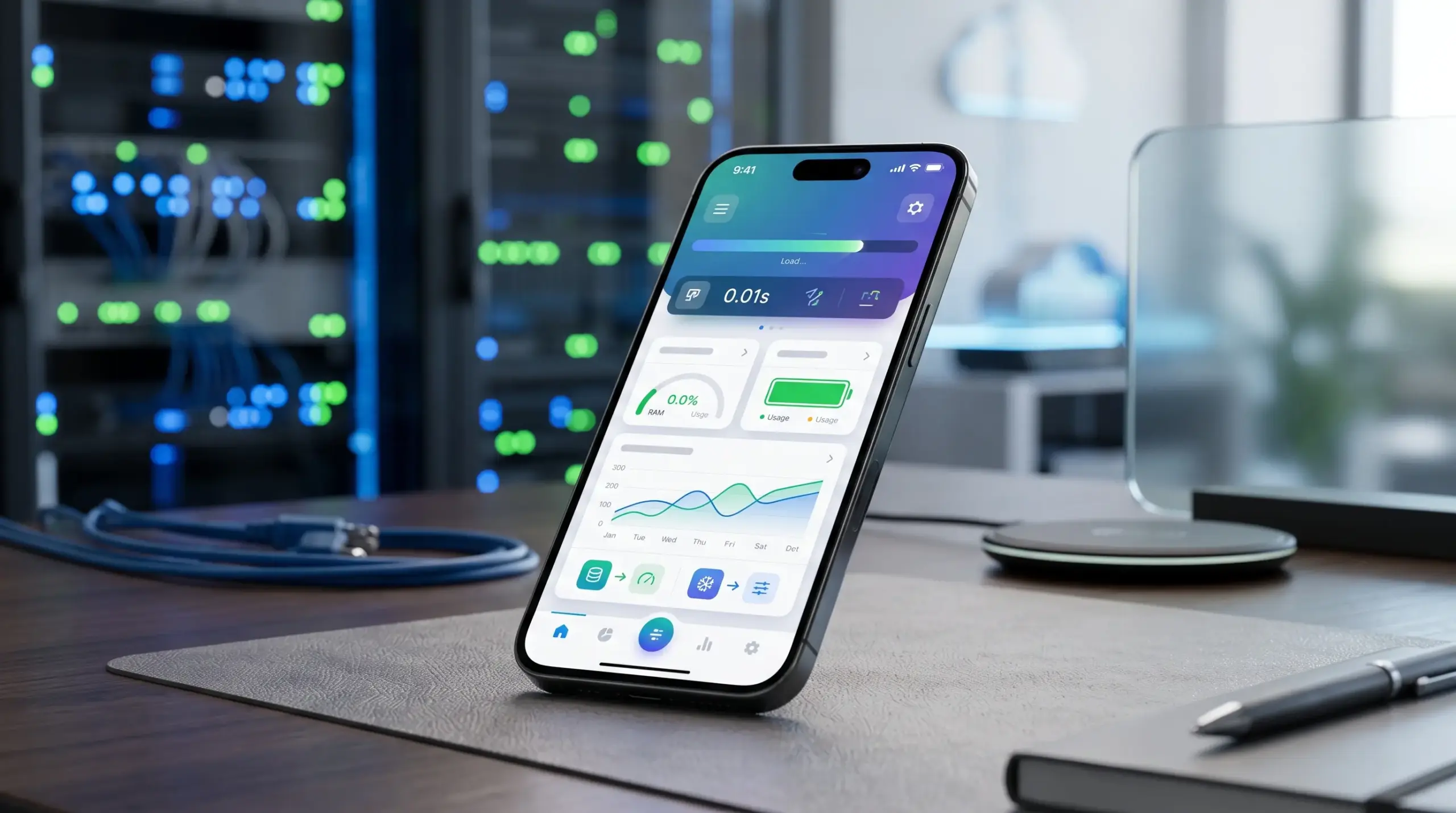
Measure Performance Before Optimization
First, mobile app performance optimization starts with understanding actual issues. Instead of making random code changes, developers should measure real metrics. Moreover, tracking startup time, interface responsiveness, memory usage, and battery consumption helps identify the areas that need immediate attention.
Key Performance Metrics to Measure
- App Startup Time: Measuring launch delays helps identify initial loading issues.
- Interface Responsiveness: Monitoring freezes and frame drops reveals smooth navigation issues.
- Resource Consumption: Tracking memory, CPU, and battery helps prioritize improvements.
Reduce App Loading Time
Loading speed is often the first factor users notice. Therefore, unnecessary operations should be delayed until they are actually needed, while essential components load first. Furthermore, reducing startup work can make the application feel significantly faster.
Effective Ways to Reduce Loading Time
- Simplify Startup Operations: Run only essential processes during launch. Then, load secondary services later.
- Reduce Resource Size: Compress images and remove unnecessary libraries to improve loading speed.
- Use Progressive Loading: Load content when users need it instead of processing everything immediately.

Improve Memory Management
Poor memory management causes slowdowns, crashes, and low responsiveness, especially on limited devices. Consequently, applications should release unused objects. Moreover, developers must avoid keeping large amounts of unnecessary data in memory.
Better Memory Management Practices
- Release Unused Resources: Remove temporary objects when they are no longer required.
- Limit Stored Data: Avoid keeping large datasets in memory when they can be loaded gradually.
- Detect Memory Leaks: Use analysis tools to identify objects that remain in memory unnecessarily.
Reduce Battery Consumption
Battery usage is affected by background processes, network activity, sensors, and intensive computations. Therefore, limiting unnecessary activity improves energy efficiency. Furthermore, Android guidance recommends reducing background tasks and Wake Locks.
Practical Battery-Saving Techniques
- Limit Background Activity: Avoid running continuous processes when the app is inactive.
- Reduce Location Requests: Request only the location accuracy and frequency required for features.
- Avoid Unnecessary Wake Locks: Allow the device to enter sleep states whenever possible.

Optimize Network and Data Usage
Frequent network requests increase loading times, battery usage, and mobile data consumption. However, reducing unnecessary requests and using local caching creates a faster experience. Moreover, compressing transferred data improves overall efficiency.
Ways to Improve Network Efficiency
- Combine Related Requests: Grouping multiple small requests reduces connection overhead.
- Compress Transferred Data: Sending only necessary information reduces transfer size and waiting time.
- Use Local Caching: Storing suitable data locally prevents repeated downloads.
Optimize Images and Media
Poorly optimized media files increase application size, memory usage, and loading time. Therefore, images should match actual display dimensions. Furthermore, high-resolution resources should only be loaded when absolutely necessary.
Better Image Optimization Methods
- Resize Before Display: Use dimensions appropriate for the interface instead of loading oversized images.
- Load Images When Needed: Delayed loading prevents processing every visual resource at once.
- Cache Frequently Used Images: Reusing loaded images reduces repeated downloads and improves speed.

Reduce Background Processing
Background operations without a clear purpose consume CPU, memory, network resources, and battery simultaneously. Consequently, tasks should be scheduled according to actual requirements instead of running continuously.
Better Background Task Management
- Choose Suitable Scheduling: Use appropriate background mechanisms instead of permanent services.
- Group Similar Tasks: Processing related tasks together reduces system activity and connections.
- Stop Completed Processes: Background services should end as soon as their purpose is completed.
Improve User Interface Responsiveness
An app may have fast background processes but still feel slow when heavy operations block the main interface. Therefore, computationally intensive tasks and data operations should not interfere with interface updates.
Techniques for Smoother Interfaces
- Move Heavy Operations: Run intensive calculations away from the main interface thread.
- Reduce Unnecessary Rendering: Avoid updating interface elements when content has not changed.
- Simplify Interface Components: Reducing visual elements lowers rendering requirements.

Test Performance Across Different Devices
An application performing well on modern devices may behave differently on hardware with less processing power. Consequently, testing across different conditions helps reveal performance issues before affecting users.
Important Performance Testing Conditions
- Low-Resource Devices: Testing on limited memory devices exposes hidden problems.
- Slow Network Connections: Simulating weak connections identifies screens depending on real-time data.
- Low Battery Conditions: Testing with reduced battery reveals background processes that need limits.
Monitor Performance After Optimization
Performance optimization must continue after releasing new versions because user behavior and operating systems evolve. Moreover, continuous monitoring makes it easier to detect regressions and evaluate improvements. According to AppsFlyer’s 2025 report, uninstalls reached 46.1% in 2024, highlighting why continuous optimization matters.
Metrics Worth Monitoring
- Uninstall Rate: A rise in uninstalls indicates performance or usability problems.
- Startup and Response Time: Comparing these metrics between releases identifies improvements.
- Resource Consumption: Monitoring memory, battery, and CPU reveals negative changes.
Conclusion
Mobile app performance optimization requires a combination of techniques rather than a single solution. Therefore, measuring performance, reducing startup time, and improving memory management create a smoother experience. Furthermore, continuous testing is essential as applications and devices evolve.
Key Takeaways for App Performance
- Comprehensive Approach: Combine measuring, memory management, and network optimization.
- Resource Efficiency: Limit background processes and reduce battery consumption.
- Continuous Monitoring: Regular testing ensures stable performance over time.