1. Comprehensive Understanding of Integrated Digital Systems
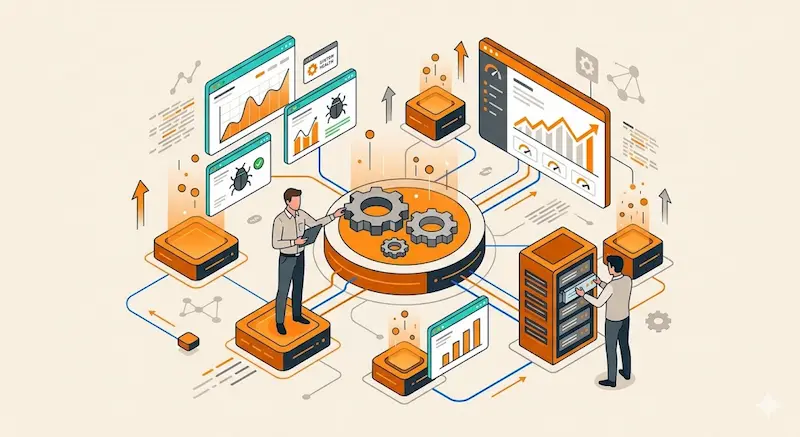
Building digital systems is mainly based on transforming ideas into flexible solutions. These solutions support growth and adapt to technical changes. Therefore, a solid start is essential for success.
Stage Components:
- Defining the vision: Setting a clear goal ensures a steady direction from the beginning.
- Studying core requirements: Analyzing user needs helps form an accurate overview of the solution.
2. Requirement Analysis and Technical Solution Design
This stage focuses on understanding requirements deeply. Consequently, we convert these needs into a structured technical plan that teams can actually implement.
Key Analysis Foundations:
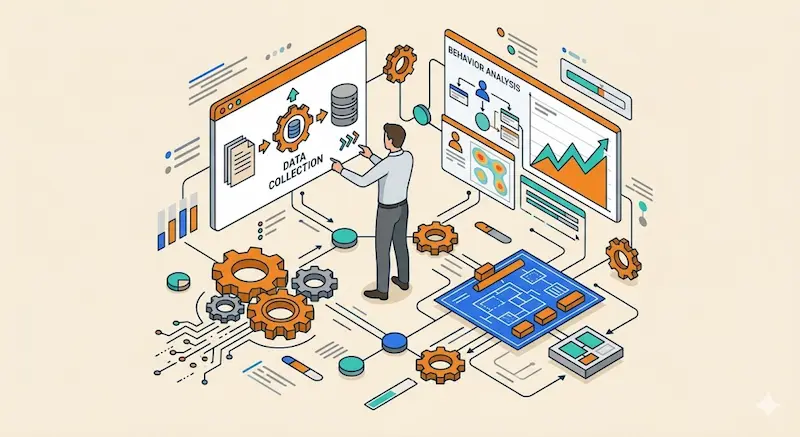
- Data collection: Gathering essential info to understand the project’s true nature.
- Behavior analysis: Studying how users interact with the system to improve results.
3. User Experience Design and Interactive Interface Building
A strong interface improves interaction and prevents confusion. Moreover, Google reports show that slow systems cause over half of users to leave immediately.
Interaction Design Elements:
- Simple visual design: Creating clear interfaces that are easy for anyone to understand.
- Flow optimization: Structuring user steps in a logical and fast sequence.
- Smooth user experience: Reducing complexity so navigation feels natural and effortless.
4. Backend Development and Process Management
The backend is the core engine of the system. In addition, it is responsible for processing data and executing all operations in a very stable way.
System Execution Mechanism:
- Request handling: Organizing and processing incoming user data efficiently.
- Logic execution: Running system operations in a very structured and accurate manner.
5. Database Construction and Information Organization
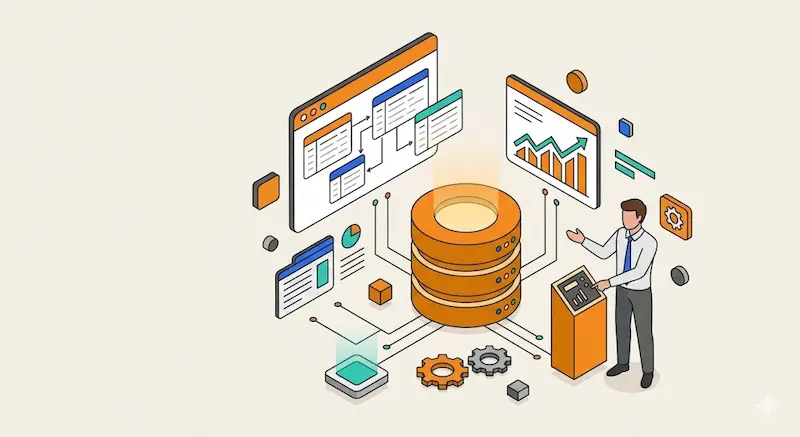
A database is the heart of information storage. Furthermore, it ensures that your data remains organized so users can access it reliably and fast.
Data Organization Structure:
- Table design: Building a clear structure to reduce repetitive data.
- Performance optimization: Speeding up searches and data retrieval for the user.
- Relationship management: Connecting data points in a logical and useful way.
6. System Integration and Digital Service Connectivity
Integration allows different systems to talk to each other. As a result, this smooth data exchange improves the overall efficiency of your business operations.
Integration Mechanisms:
- Service linking: Connecting different system parts to work as one unit.
- Data exchange: Transferring information in a very secure and fast manner.
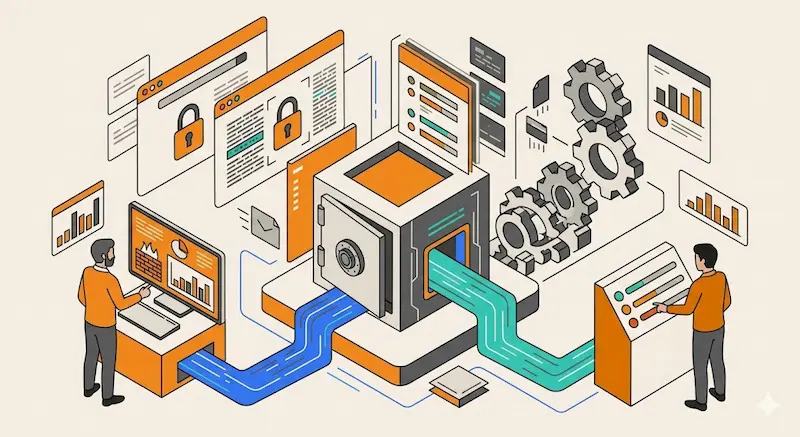
7. Strengthening Security and Protecting Sensitive Data
Security is a critical factor for any digital project. Thus, we must protect systems from unauthorized access or any harmful malicious activities online.
Protection Strategies:
- Encryption: Keeping data safe during both transmission and storage.
- Access control: Defining clear permissions so only the right people see the data.
8. Performance Optimization and Response Speed
Improving performance helps reduce loading times. Additionally, Amazon reports show that speed increases user engagement and boosts conversion rates significantly.
Efficiency Improvement Areas:
- Faster processing: Reducing the time it takes to finish a task.
- Resource optimization: Using system power in a smart and efficient way.
9. Enhancing User Experience and Simplifying Interaction
User experience depends on simple steps. Consequently, making features easy to access will make the system much more helpful for everyday users.
Interaction Improvement Elements:
- Navigation simplification: Making movement through the system very intuitive.
- Flow enhancement: Removing unnecessary steps to save the user’s time.
10. Testing and Quality Assurance Before Deployment
Testing helps find issues early. Furthermore, IBM reports suggest that finding bugs late increases costs, so checking everything before launch is vital.
Quality Validation Stages:
- Functional testing: Making sure every single button and feature works.
- Bug detection: Identifying and fixing errors before the public sees them.
- Performance testing: Measuring how well the system handles many users.
11. Deployment and Environment Management
Deployment puts the system into a live environment. Moreover, Microsoft shows that modern cloud tools can achieve 99.99% reliability for your business.
Launch and Monitoring Steps:
- Environment setup: Preparing the digital space for the live launch.
- Performance monitoring: Tracking the system’s behavior after it goes live.

12. Scalability and Future Growth Support
A system must grow as your business grows. Therefore, we build a flexible architecture that supports more users without losing any stability or speed.
Flexible Growth Factors:
- Resource expansion: Increasing system capacity easily whenever it is needed.
- Flexible architecture: Supporting future updates and changes very smoothly.
13. Continuous Maintenance and Regular Updates
Maintenance ensures the system stays efficient over time. In addition, regular updates help fix small bugs and improve performance as technology changes.
Ongoing Development Practices:
- Regular updates: Constantly adding new improvements to the digital system.
- Bug fixing: Resolving technical issues as soon as they are found.
- Performance enhancement: Gradually making the system better and faster.