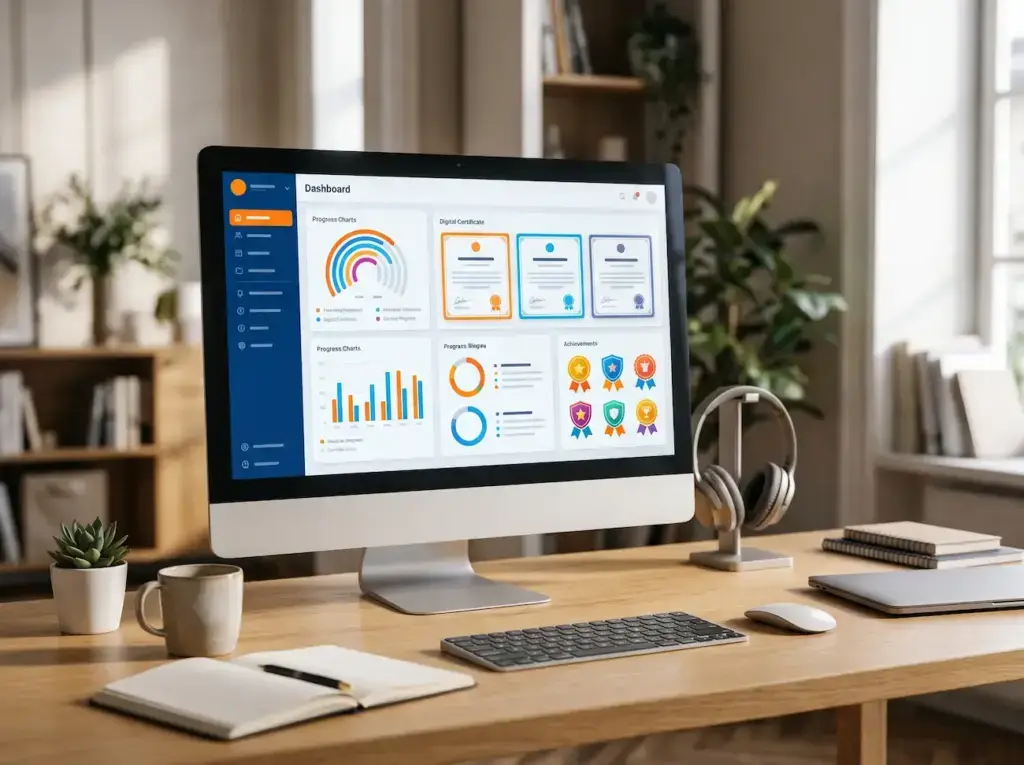

Understanding Interactive Learning in Educational Platforms
Interactive learning relies on engaging learners in tasks that go beyond simply reading texts. For example, it includes answering questions and exchanging ideas. Consequently, this active participation helps learners become true contributors. Furthermore, it provides great opportunities to spot mistakes and grasp concepts easily.
Key Elements of Interactive Learning:
- Active Participation: Designing tasks that require learners to make decisions or complete practical exercises.
- Immediate Feedback: Explaining results clearly so learners can spot mistakes and fix them instantly.
- Connecting Knowledge: Using practical scenarios so learners apply new information instead of memorizing it.
Using Virtual Classrooms in E-Learning
Virtual classrooms enable live educational sessions that bring people together online. These tools feature options for presenting content and sharing files. Therefore, they have become a vital part of modern digital learning. For instance, in April 2020, Zoom reached nearly 300 million daily users, which shows how fast video communication grew.
Key Features of Virtual Classrooms:
- Live Lesson Streaming: Allowing instructors to explain topics and interact with learners in real time.
- Screen and File Sharing: Displaying presentations and documents to make practical examples much clearer.
- Session Recording: Allowing learners to review past lessons whenever they need extra help.
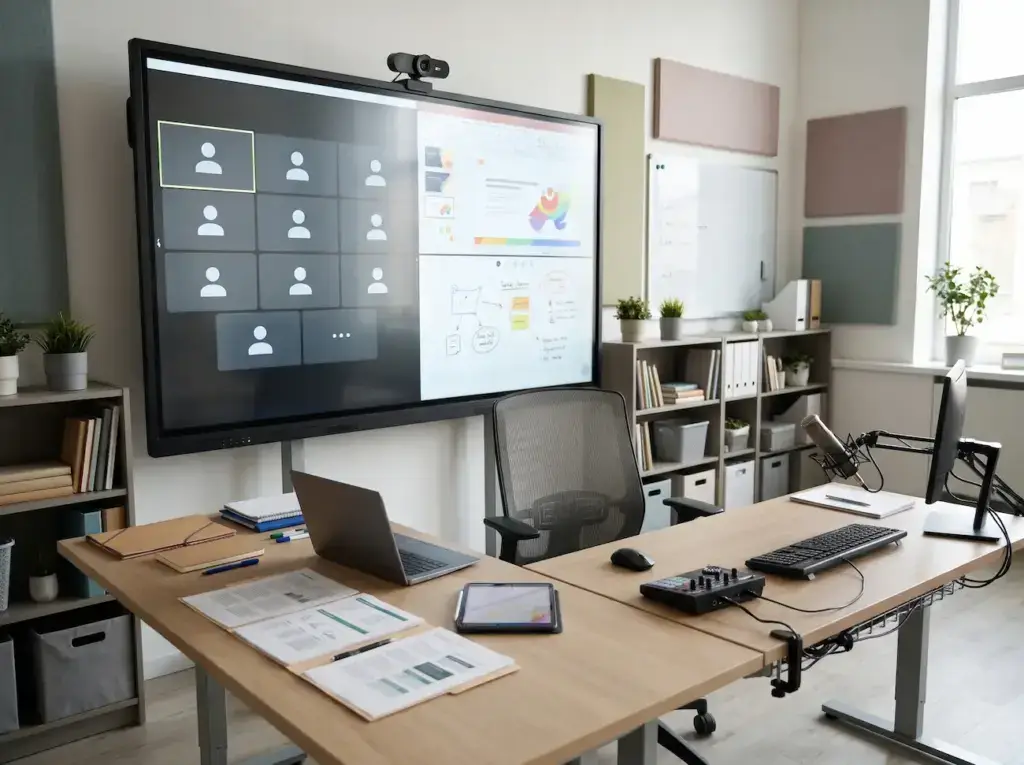
Choosing Appropriate Communication Tools for Learners
Choosing the right communication tools helps organize discussions and reduces scattered information. Each tool should have a clear purpose, such as quick inquiries or official announcements. As a result, learners always know where to ask questions and how to follow up.
Educational Communication Tools:
- Discussion Forums: Providing dedicated spaces for questions that learners can revisit anytime.
- Direct Messages: Offering a private channel for individual inquiries or specific matters.
- Announcements: Sending organized updates about schedules and assignments without causing confusion.
Organizing Discussions and Group Activities
Group discussions give learners a chance to share viewpoints and learn from each other. However, these activities require clear instructions and strict rules. Thus, participants maintain respect and keep the conversation focused on lesson goals.
Ways to Organize Group Activities:
- Defining the Topic: Formulating a central question to keep participants focused on the main issue.
- Dividing Groups: Assigning people to small teams to complete shared tasks and compare results.
- Clarification of Rules: Establishing clear guidelines for respectful participation and balanced teamwork.

Designing Interactive Activities Within Lessons
Interactive activities can be added to any lesson to test understanding. These tasks must align with clear educational goals. Moreover, they should avoid overly complex technical steps that distract from the main lesson.
Examples of Interactive Activities:
- Short Questions: Adding quick questions after key concepts to check student understanding.
- Educational Simulations: Providing virtual environments where learners can test procedures safely.
- Collaborative Tasks: Assigning small groups to build a shared project or answer together.
Balancing Synchronous and Asynchronous Learning
Synchronous learning allows live interaction, while asynchronous study gives learners flexible schedules. Combining both approaches accommodates diverse needs. Consequently, live attendance is no longer mandatory for every single activity.
Ways to Combine Both Learning Approaches:
- Allocating Sessions: Using live meetings only for challenging subjects that need discussion.
- Providing Materials: Making readings available early so learners join sessions well prepared.
- Offering Post-Session Activities: Adding quick reviews and exercises to reinforce new information.

Encouraging Interaction in Virtual Classrooms
Successful virtual classrooms require active participation rather than passive listening. Managing time and diversifying methods helps reduce silence. Furthermore, this transforms online sessions into lively learning experiences.
Practices for Increasing Participation:
- Asking Questions Early: Pausing at key points to encourage learners to think and respond instantly.
- Using Polls: Collecting quick feedback on concepts and discussing the results together.
- Distributing Speaking Roles: Giving quiet learners fair chances to contribute without pressure.
Ensuring Connection Quality and Accessibility
Poor internet connections or limited devices can disrupt learning. For example, data from the International Telecommunication Union shows 2.6 billion people remained offline in 2023. Therefore, courses must accommodate varying technical access.
Ways to Reduce Accessibility Barriers:
- Providing Alternatives: Making recordings and summaries available for those who miss live sessions.
- Reducing Data Usage: Offering compressed files and optimized video options for slow connections.
- Supporting Assistive Tools: Adding captions and clear text navigation to expand access.
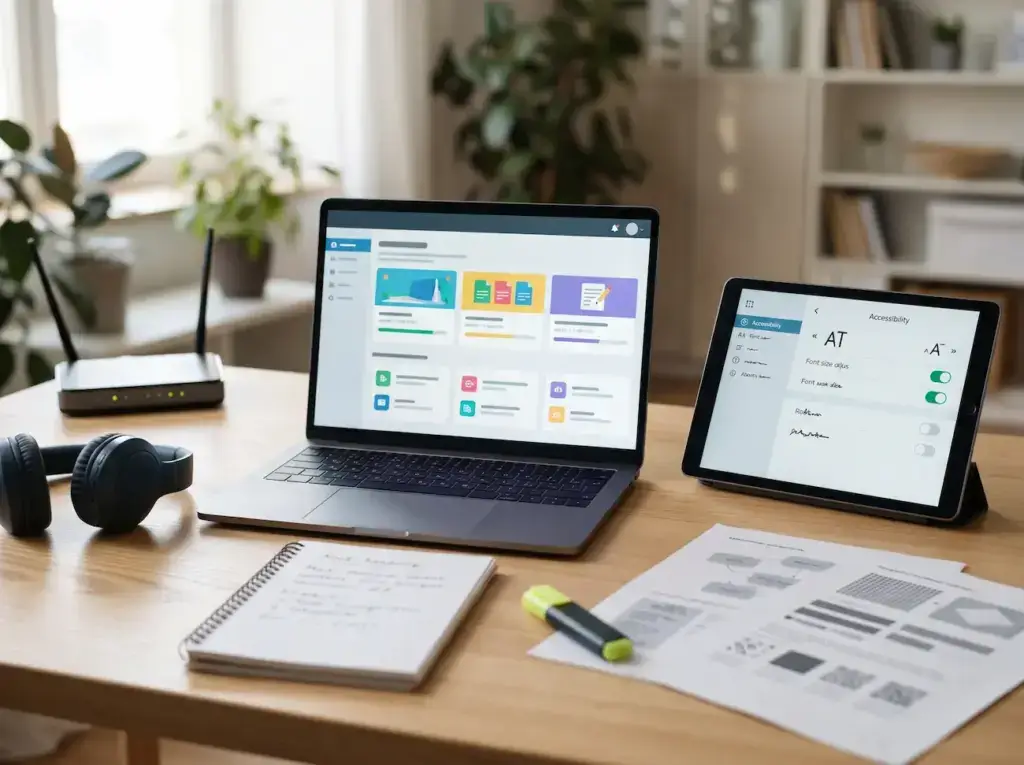
Measuring Effectiveness of Communication Tools
Analyzing participation helps identify which tools genuinely support learning. Evaluation should look beyond raw message counts or attendance numbers. Thus, instructors can focus on quality interactions linked directly to educational goals.
Key Interaction Measurement Indicators:
- Activity Participation Rate: Tracking how many learners answer questions or complete group tasks.
- Attendance Consistency: Monitoring regular attendance while checking reasons for any dropouts.
- Output Quality: Evaluating projects and answers to see how well tools achieve lesson objectives.
Continuously Improving Interactive Environments
Interactive environments need regular checks to stay simple and effective. Collecting feedback from learners and instructors is essential. Consequently, this helps refine activities and select better communication methods over time.
Steps to Improve the Environment:
- Collecting Feedback: Asking learners about activity clarity and any technical challenges faced.
- Modifying Weak Tasks: Simplifying confusing assignments or replacing failed tools promptly.
- Reviewing Results Regularly: Comparing performance metrics before and after making updates.