
Understanding the Learner Journey Within the Platform
User experience design begins with a clear understanding of the learner path. First, learners discover the platform. Next, they register and complete their selected courses. Therefore, studying this journey helps teams identify friction points. As a result, you can prevent delays during registration and boost course completion rates effectively.
Key Stages of the Learner Journey:
- Discovering the Platform: Clear details explain the content benefits. Consequently, users quickly decide if it matches their goals.
- Registering and Starting: Streamlined sign-up steps reduce effort. Thus, learners access their first lesson without delay.
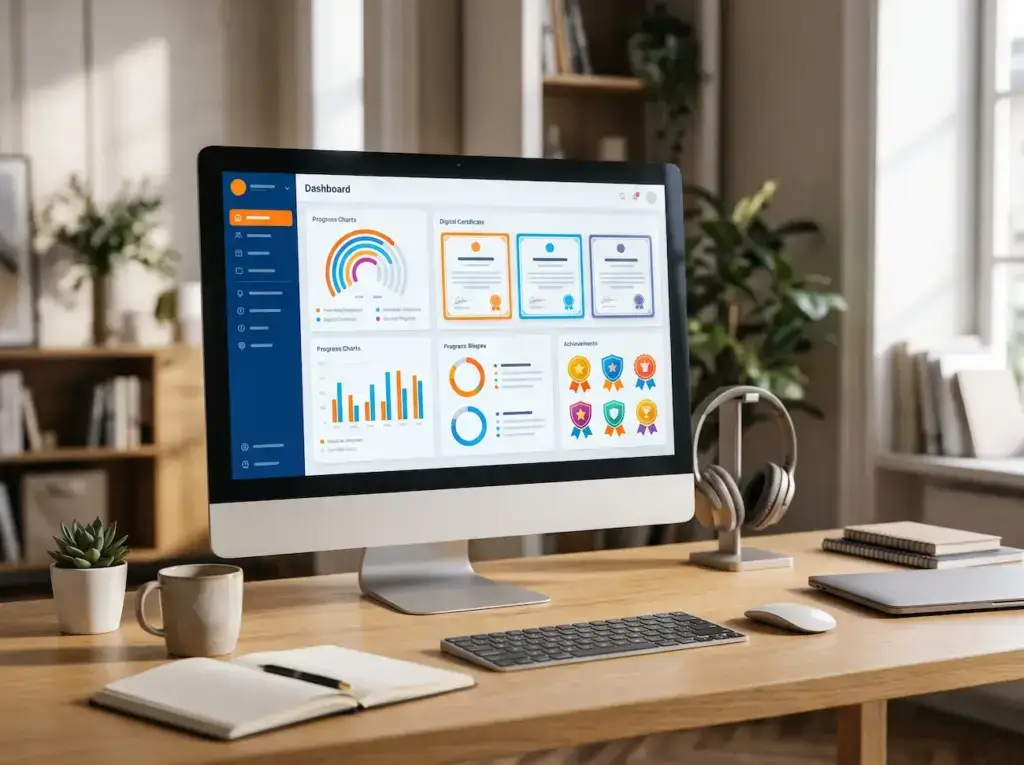
- Tracking Progress: Visual dashboards show finished lessons and upcoming tasks. Furthermore, learners always know how to proceed.
Simplifying the User Interface and Navigation
A clean layout helps users find core tools without confusion. In addition, logical navigation structure reflects how students think. For instance, placing lessons, quizzes, and account options in visible spots creates a smooth experience. Consequently, users focus entirely on studying.
Core Principles of Interface Organization:
- Clear Navigation Menu: Descriptive labels mark major areas. Therefore, users avoid confusing terms and find topics fast.
- Visual Priority: Important call-to-action buttons stand out cleanly. Meanwhile, secondary items do not draw attention away.
- Reducing Repetitive Steps: Short paths lead straight to active courses. As a result, students resume saved activities instantly.

Designing a Simple and Direct Registration Experience
Long registration forms often cause visitors to quit early. However, platforms can solve this issue by asking only for essential data. Furthermore, explaining data requests builds strong trust. In addition, providing helpful error hints keeps sign-up attempts effortless.
Elements for Improving Registration:
- Reducing Required Fields: Collect basic setup details first. Consequently, optional profile info can wait for later steps.
- Clarifying Input Errors: Place specific alerts directly next to mistake fields. Thus, users correct data instantly.
- Simplifying Account Recovery: Clear password reset workflows protect user accounts. As a result, lost access is restored easily.
Ensuring Accessibility for Different Users
Inclusive platforms allow everyone to read and interact easily. For instance, the World Health Organization notes that nearly 1.3 billion people live with significant disabilities. Therefore, accessible digital design is necessary. In addition, these standards upgrade usability for all visitors.
Practices for Improving Accessibility:
- Readable Text and Colors: High color contrast improves readability. Consequently, users view text without eye strain.
- Keyboard Navigation Support: Interactive tools support full keyboard focus. Thus, users navigate easily without a mouse.
- Providing Media Alternatives: Alt text and video captions assist diverse learners. As a result, information remains open to all.

Improving the Learning Experience on Mobile Devices
Students expect smooth performance when switching between phones and desktop computers. However, speed is essential for mobile adoption. For example, a Google study shows that 53% of mobile visits are abandoned if pages take over 3 seconds to load. Therefore, mobile optimization remains critical.
Key Elements of Mobile Experience:
- Responsive Design: Layouts adapt to modern mobile screens automatically. Consequently, manual screen zooming becomes unnecessary.
- Touch-Friendly Buttons: Generous button padding prevents misclicks. Thus, one-handed navigation feels comfortable.
- Continuity Across Devices: Real-time progress syncing saves user status. As a result, learners switch devices seamlessly.
Organizing Course and Lesson Pages
Well-structured course pages help students process learning materials effortlessly. First, essential course details should sit in clear visual zones. In addition, removing unnecessary interface clutter maintains high study focus. Consequently, students navigate course modules with complete confidence.
Components of a Clear Educational Page:
- Course Overview: Clear goals and requirements guide decisions. Therefore, students choose suitable courses easily.
- Lesson Display Area: Main media areas remain free of distractions. Meanwhile, control buttons stay close by.
- Lesson List Sidebar: Course tracks show clear progress marks. As a result, moving between chapters is fast.

Providing Clear Feedback During Learning
Immediate feedback helps learners confirm their progress during quizzes and tasks. However, interface errors often disrupt learning. For example, WebAIM’s 2024 report revealed that 96.3% of top homepages had accessibility errors. Therefore, regular UI feedback testing is essential for success.
Effective Ways to Provide Feedback:
- Explaining Answer Results: Practical explanations clarify mistakes immediately. Consequently, students learn faster from quizzes.
- Confirming Completed Actions: Clear notifications confirm saved work. Thus, learners know their submissions succeeded.
- Suggesting Next Steps: Smart prompts point toward extra practice. As a result, study habits improve continuously.
Reducing Distractions and Supporting Focus
A quiet learning environment keeps students focused on lesson objectives. Furthermore, platforms must limit repetitive pop-ups during active study sessions. In addition, clean visual layouts prevent mental fatigue. Consequently, students absorb educational information much better over time.
Practical Ways to Improve Focus:
- Reducing Unnecessary Elements: Secondary links stay hidden during lessons. Therefore, main course materials hold focus.
- Managing Notifications: Flexible controls let users mute alerts. Thus, study sessions stay interruption-free.
- Providing Review Tools: Simple bookmarking systems save key moments. As a result, revision becomes effortless.

Testing the User Experience Before and After Launch
Usability testing with real learners uncovers critical design bugs early. For instance, tasks like finding a course or attempting a quiz should be tracked closely. In addition, observing user confusion highlights areas for improvement. Consequently, interface updates become targeted and efficient.
Steps for Effective Usability Testing:
- Selecting Diverse Participants: Test across various skill levels. Therefore, design evaluations reflect real audience needs.
- Observing Core Tasks: Watch users complete workflows without hints. Thus, teams identify exact friction points.
- Retesting After Improvements: Compare metrics before and after code updates. As a result, design fixes are validated.
Measuring User Experience and Continuously Improving It
User experience optimization requires continuous monitoring through metrics and direct feedback. First, analytics reveal where learners drop out during lessons. Furthermore, surveys explain the reasons behind user behavior. Consequently, platforms evolve according to actual user demand.
Essential User Experience Metrics:
- Task Completion Rate: Measure successful registrations and quiz completions. Therefore, product health remains easy to track.
- Step Abandonment Rate: Pinpoint exact exit points in learning paths. Thus, unclear steps receive immediate fixes.
- Learner Satisfaction: Gather quick feedback after key feature usage. As a result, features align with student expectations.